I am having trouble using the terminal in GEdit since the text-color is white on gray background. I can not find an option to change anything for that terminal anywhere. How can I change it? N.B. The python terminal is fine.
Obligatory screenshot:
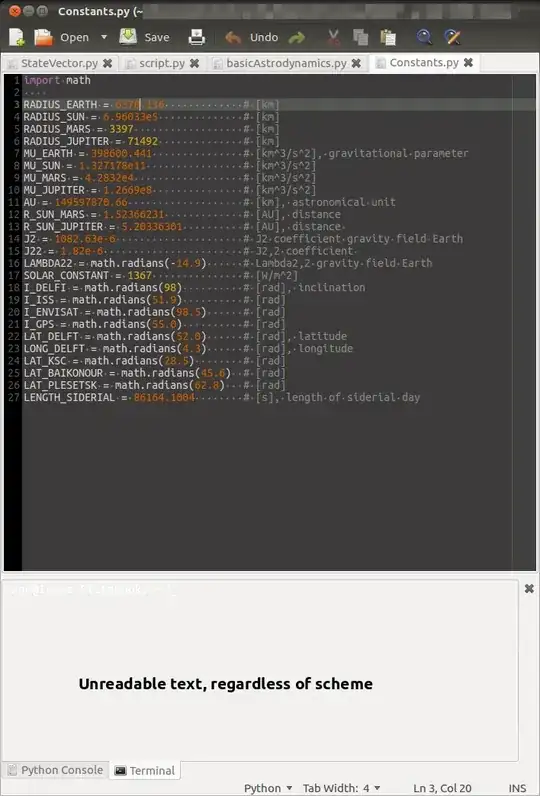
I am having trouble using the terminal in GEdit since the text-color is white on gray background. I can not find an option to change anything for that terminal anywhere. How can I change it? N.B. The python terminal is fine.
Obligatory screenshot:

I figured it out myself. Questions seems to be so unpopular that I received the "Tumbleweed bagde". Awesome!
org - gnome - gedit - plugins - terminaluse-theme-colors box. (Thanks to comment by Hibou57)Since a picture says more than a thousand words:

#000000 for the background and #FFFFFF for the foreground). -- edit -- In addition to what Ingo said, you also have to uncheck the use-theme-colors option. This need to be said.
– Hibou57
Oct 15 '12 at 15:38