It used to be ctrl+alt+backspace to kill x server, but for some unknown reason, it was decided to disable that combination and use something else (I think it is right alt + printscreen +k).
So, how to enable ctrl+alt+backspace?
I have seen it can be done with installing dontzap, but I know there is a way to set that combination from system setup.


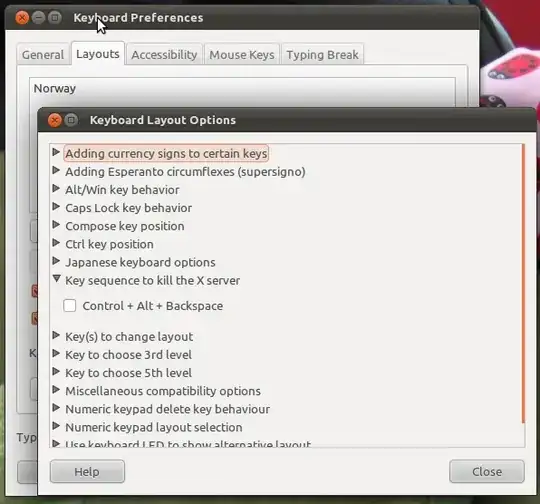


keyboard preferencesanywhere – BЈовић May 03 '11 at 07:40kill x serverpage. thanks – BЈовић May 03 '11 at 09:06